
Published: October 14, 2026. Author: Zinnia Fern Redmarsh. Publisher: Free Arcade Club Browser Context Review.
Coming back to a browser tab can feel like returning to the same place, but the page may have been kept open, restored or loaded afresh. Free Arcade Club uses a local demonstration with a fictional counter held by its running script. A quick look at the visible state is more useful than assuming the last number you remember must still be there.
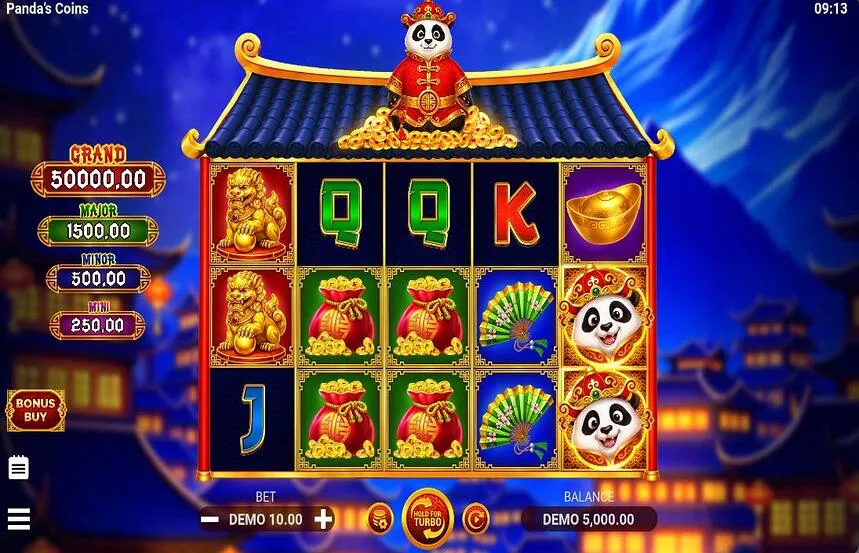
A pause is not a fresh load
Switching to another tab does not itself ask the demonstration to reset. If the browser keeps the page alive, its counter and chosen theme can remain in place. A fresh load starts the script with 10,000 credits and the fruit selection. Browsers can discard inactive tabs, so a return after a long interruption should begin with observation rather than a promise about saved progress.
The local demo does not write its counter to a player account or a persistent save in this script. That is why a familiar browser window is not proof of a continuing session. Equally, a visible starting total does not prove that you personally pressed reset: it can also appear when the demonstration starts again. The number tells you what is shown now, not a complete history.
What the reset button does
| Action | Counter | Selection |
|---|---|---|
| Switch tabs | May remain if page stays alive | May remain |
| Fresh page load | Starts at 10,000 | Fruit selection |
| Restore demo credits | Returns to 10,000 | Current theme retained |
Restore demo credits also sets the visible symbols to 7, BAR and CHERRY and replaces the result message with the reset notice. It does not change the active theme. A selected crown card can therefore sit beside those reset symbols without a contradiction. The picture on a card and the symbols currently visible are different parts of the interface.
A reset is not an undo
The button establishes a starting counter rather than reconstructing earlier rounds. It does not reverse a particular result or preserve a personal record. If you want to understand the arithmetic before leaving, use the explanation of returned credits. There is no need to run more rounds to recover a remembered fictional total before closing the tab.
Check before another press
- Read the chosen-demo heading and the active card.
- Check the settled credit number and result message.
- Choose whether to continue, restore credits or leave.
These checks take only a moment and do not require another spin. If someone else has used the same open page, ask whether they changed the theme or pressed reset. The interface is not a log of who did what. A short conversation is clearer than treating an unfamiliar counter as an error or assigning it to another person’s skill.
- Leave private information out of any shared screenshot.
- Do not read a fresh counter as an earned reward.
- Let a break end the session if that suits your plans.
For comparing the artwork after a return, the three-theme article separates the card choice from the shared controls. The same distinction helps on a narrow phone screen: first identify the selected heading, then read the counter, rather than tapping the nearest button to see whether the page is responding.
A demo page is only one part of a browser session. Messages, calls and conversations can interrupt it, and none creates an obligation to resume. If the visible state is unclear, closing the tab is a complete choice. Keeping a fictional balance unchanged is not a task you owe the site, a friend or the next version of yourself who opens the browser.
Author’s opinion
I prefer a fresh reading of the screen to trying to remember every earlier number. On October 14, 2026, the useful boundary remains simple: this demo page offers a local diversion, not a lasting account record. Understand the state in front of you, and allow the pause to remain a pause when another activity deserves your attention.